SeqqioSequence analysis desktop software

Windows 64-bit · Version 0.1.0

Sequence analysis at scale. A simpler way to work.

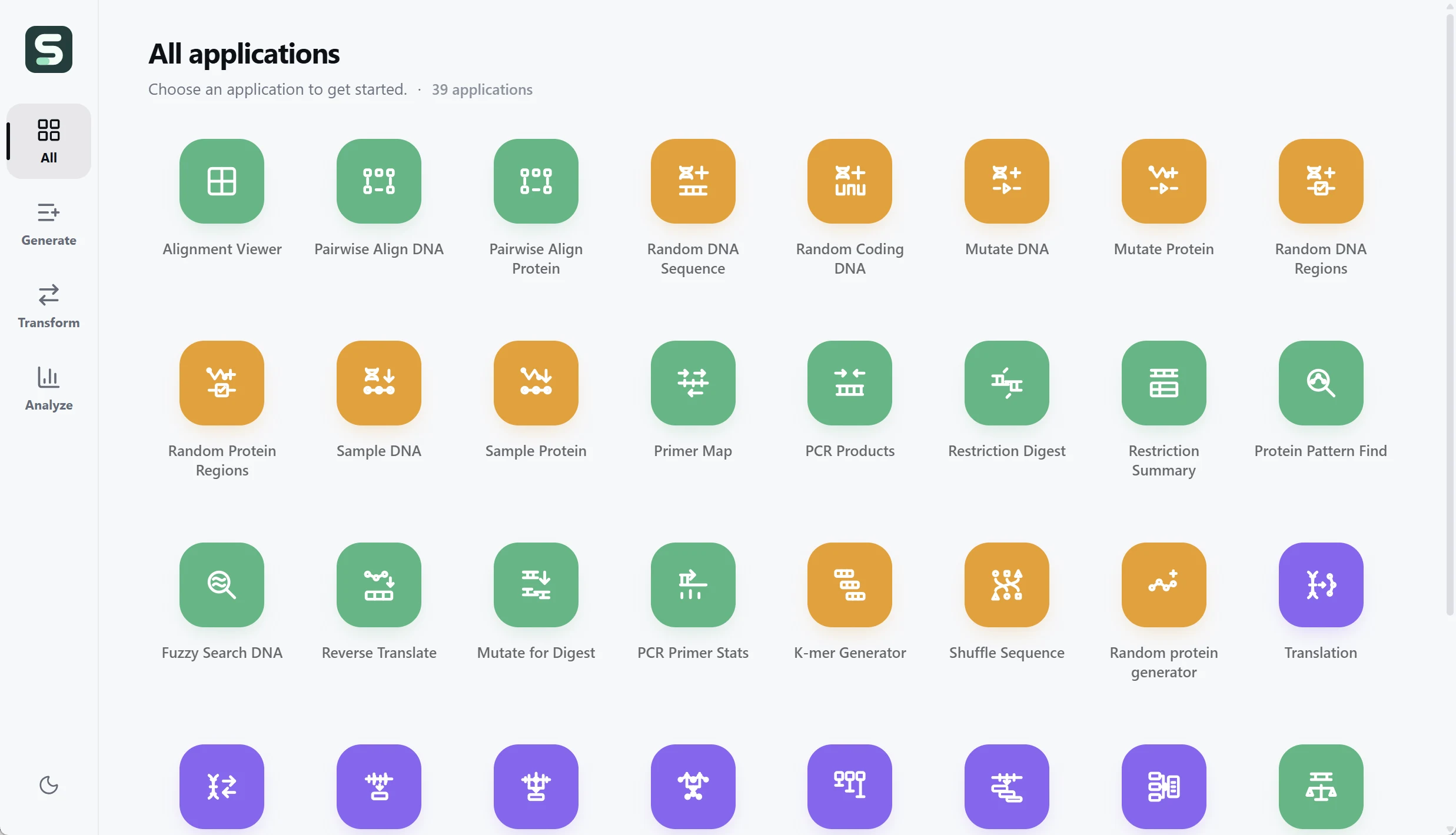
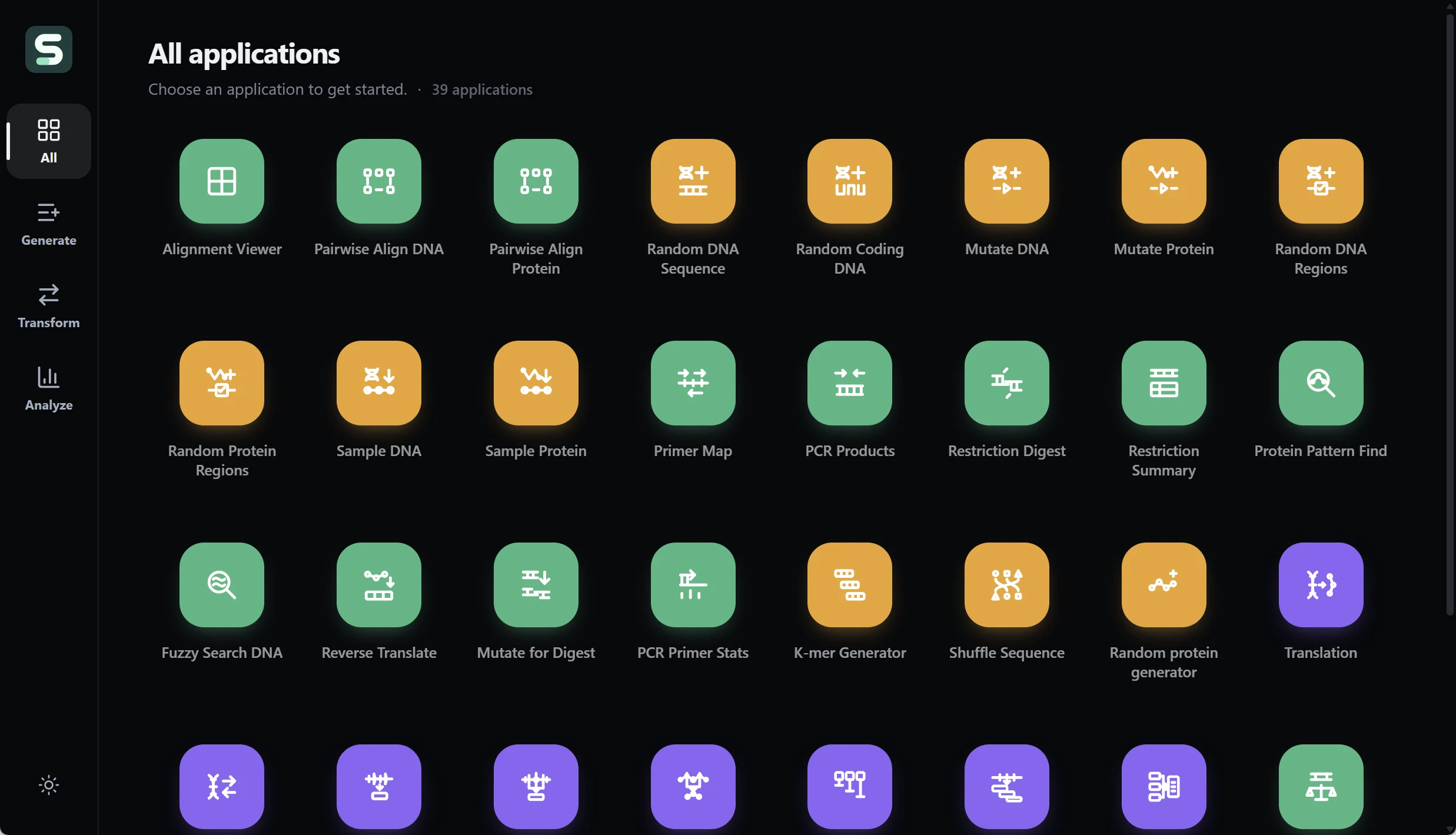
Seqqio puts 39 DNA, RNA, and protein apps in one modern Windows workspace. Process large batches with a native Rust engine, clear controls, and no scripts to write.

Up to 1,000,000 sequences per batch.In supported workflows, within each app's workload and resource limits. See batch scope.

  • 39 sequence apps
  • Native Rust engine
  • No scripts required

One-time purchase. Installer download after payment. No activation key required.

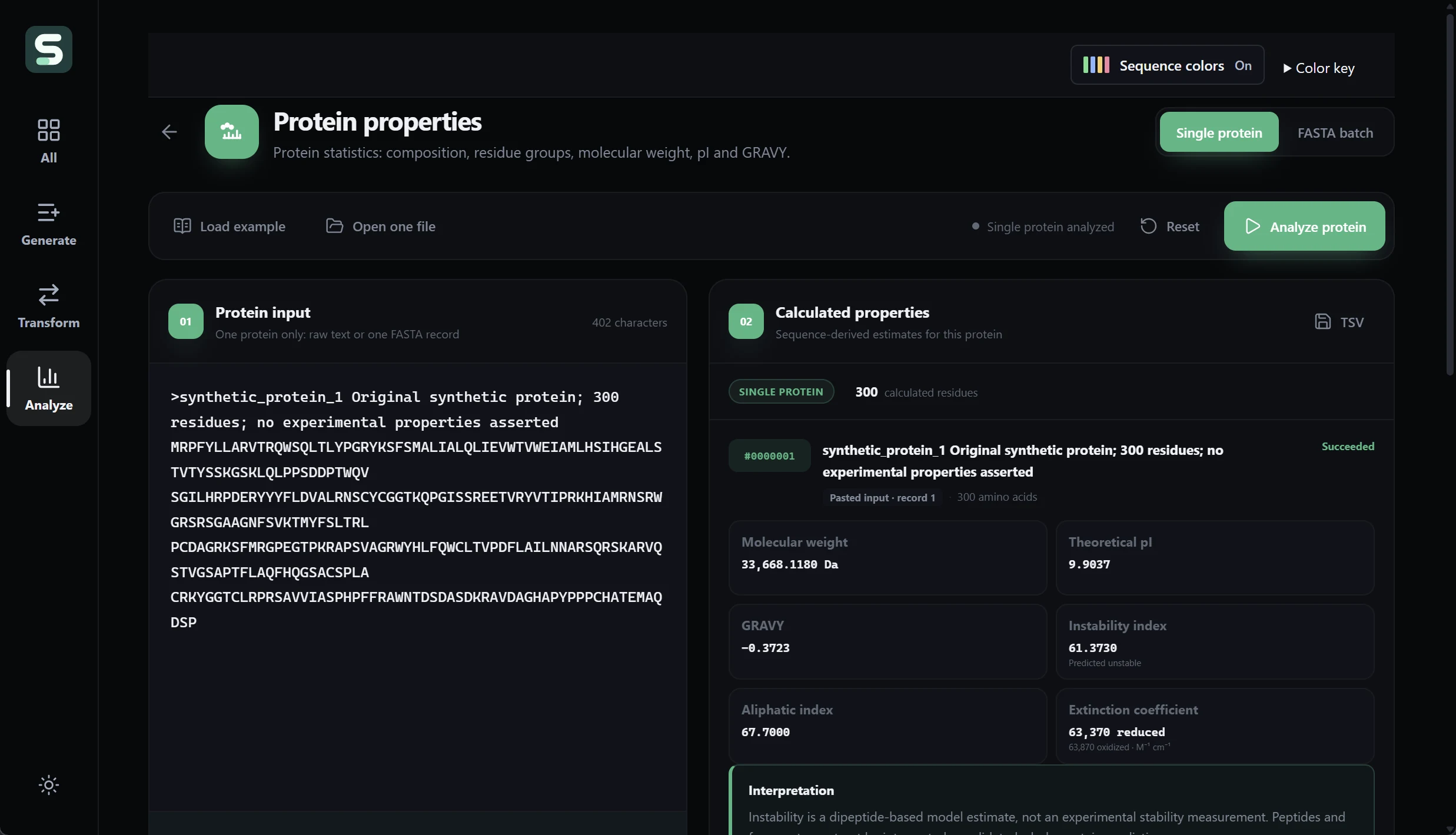
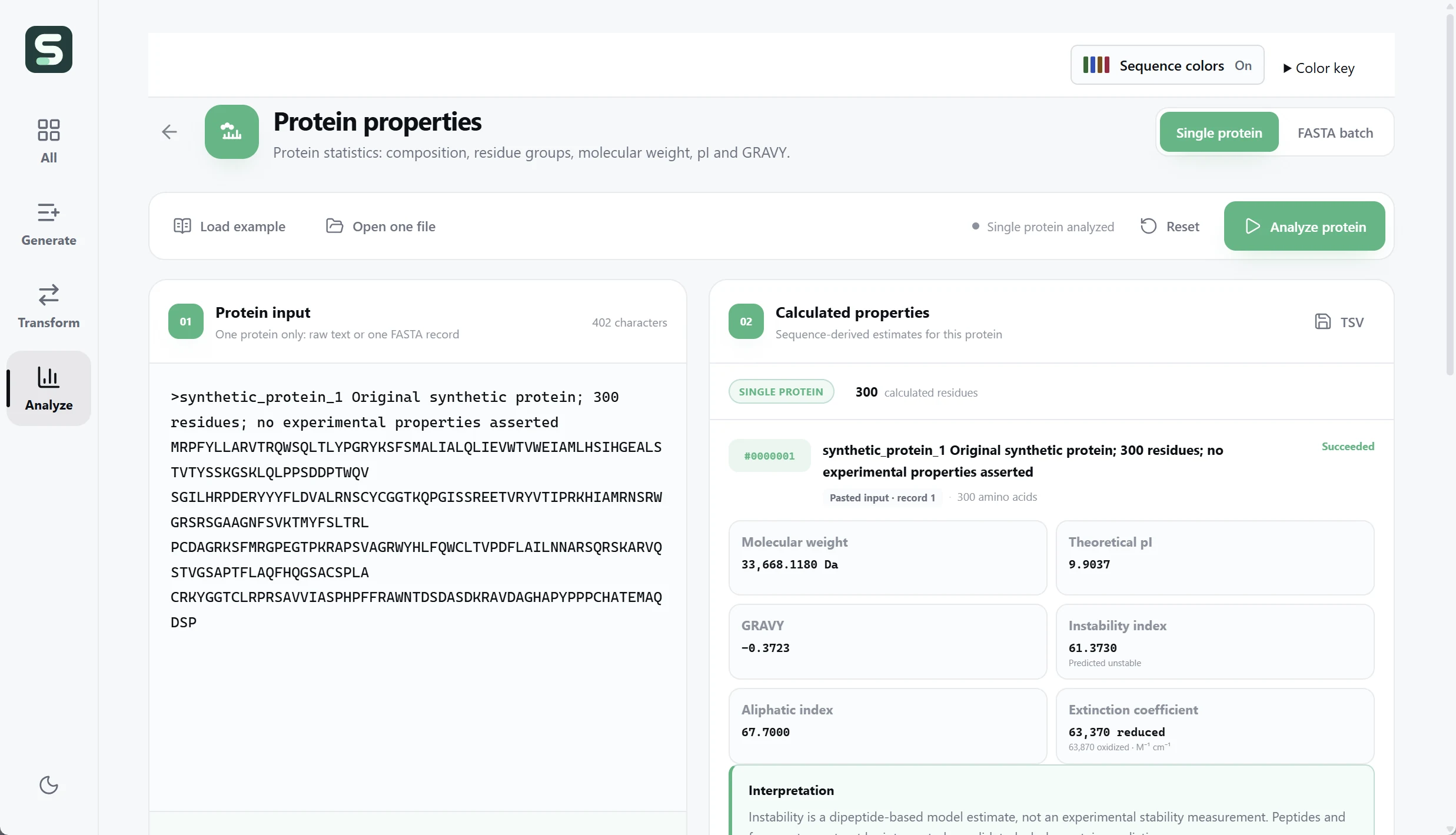
Seqqio · Protein propertiesDark mode
Seqqio 0.1.0 in dark mode showing a synthetic 300-residue protein and calculated molecular weight, theoretical pI, and GRAVY.
Real Seqqio 0.1.0 interface. Synthetic protein example; calculated properties are estimates, not experimental measurements.

Why Seqqio

More work done in one workflow.

For researchers, bioinformaticians, and educators who want a practical desktop tool for both individual sequences and large batches.

Batch processing

Scale beyond one sequence at a time.

Run supported batch workflows on up to 1,000,000 sequence records per job. Follow progress, keep record identities, and export results together instead of repeating the same task for each sequence.

Understand the capacity limits
Native Rust performance

Built for fast local execution.

The scientific engine runs in compiled Rust on your PC. Large supported batch workflows stream results to disk and load them in pages, keeping full datasets out of the interface. Runtime depends on the workload and your hardware.

Modern, approachable UI

Clear controls. A familiar flow.

Choose an app, load your sequences, run the analysis, and export. Built-in examples, organized tools, and light and dark views make the workflow easier to explore without writing scripts.

Straightforward setup

Install it. Open it. Start working.

Use the Windows installer and work directly from the desktop interface. No Python environment, command-line setup, or activation key is required. See the runtime requirements below before installing.

39 focused sequence apps

From sequence preparation to results.

Analyze, transform, and generate biological sequences in the same workspace. Choose the app that matches your input and scientific question.

Compare sequences

Inspect alignments and run pairwise DNA or protein alignment workflows.

Analyze DNA and proteins

Work with DNA statistics, ORF finding, codon usage, CpG islands, and sequence-derived protein properties.

Explore primers and restriction sites

Use primer mapping, PCR products, restriction digestion, and primer statistics tools.

Prepare sequence files

Translate, reverse-complement, extract ranges or windows, and split or merge FASTA records.

Generate and transform sequences

Create synthetic DNA or protein examples, mutate or shuffle sequences, and sample sequence regions.

Keep work organized

Revisit saved analyses, follow stable record identities, and export results in the formats provided by each app.

Purchase and download

One payment. Your Windows installer.

Seqqio is a downloadable desktop application, not a subscription service. Complete your purchase through Lemon Squeezy, then download the installer from your purchase confirmation.

  1. Purchase Seqqio. Review the final amount in the secure checkout.
  2. Download the installer. Your purchase provides access to Seqqio_0.1.0_x64-setup.exe.
  3. Install and open. No activation key is required to use the application.

Before you buy

Scope and requirements

Can every app process one million sequences?

No. Up to 1,000,000 records is the capacity of supported batch workflows, not a universal limit for all 39 apps or every setting. For example, Protein Properties supports this record count with a 256 MiB input limit and additional per-protein and total-residue limits. Sequence length, analysis settings, output size, and available memory and disk space also matter. Alignment and intensive searches can have lower limits.

What does the native Rust engine mean for performance?

Seqqio's scientific computations run in compiled Rust. Large supported batch workflows use background execution, streamed output, and paginated results. This design supports efficient local processing; it does not guarantee a fixed completion time for every dataset or computer.

Do I need to code or configure a Python environment?

No. Use the Windows desktop interface to select an app, open or paste sequences, choose the available settings, and run it. Built-in examples help you explore the controls. Scientific interpretation still depends on choosing the appropriate method and understanding its assumptions.

Which system is this download for?

This release is a Windows 64-bit desktop installer with an English-language interface. This purchase does not provide a macOS or Linux installer.

Does sequence processing run locally?

Sequence processing runs locally in the desktop application. Buying and downloading require an internet connection. The installer may also download Microsoft Edge WebView2 if that runtime is missing, so installation is not guaranteed to be fully offline.

Do I need a subscription or an activation key?

No. This purchase is a one-time payment for the downloadable installer. Seqqio does not require an activation key.

Does every app accept every kind of sequence?

No. Each app has its own input alphabet, workflow, and limits. Choose a DNA, RNA, or protein workflow according to the tool's stated requirements. Sequence-derived estimates must be interpreted in the context of the method and your research question.

Where can I ask a question before purchasing?

Contact BioChemIntelli with your operating system and intended workflow. Do not send confidential research sequences or payment-card details.